



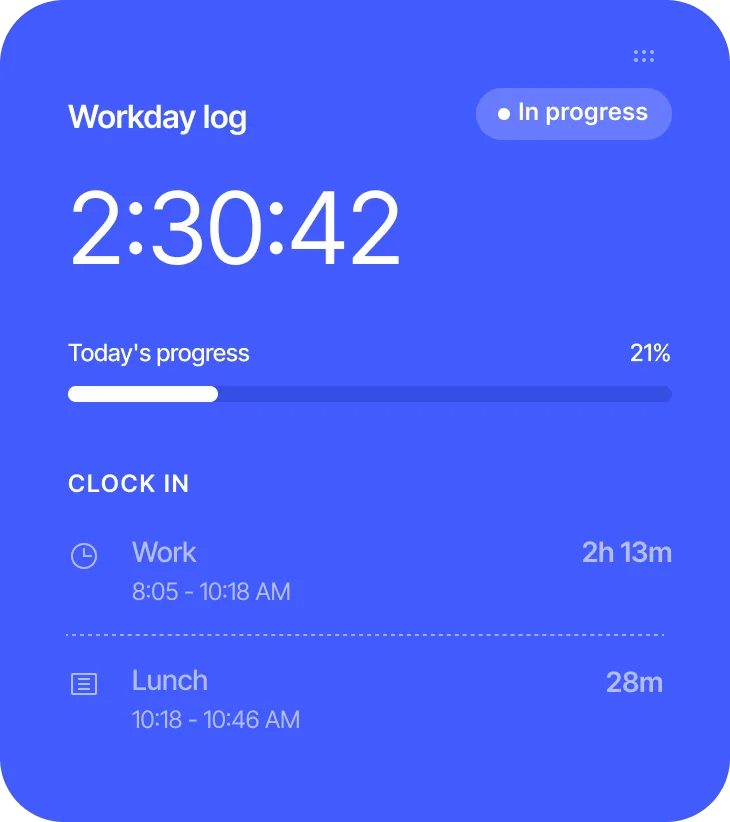
Error-free clock in/out records.
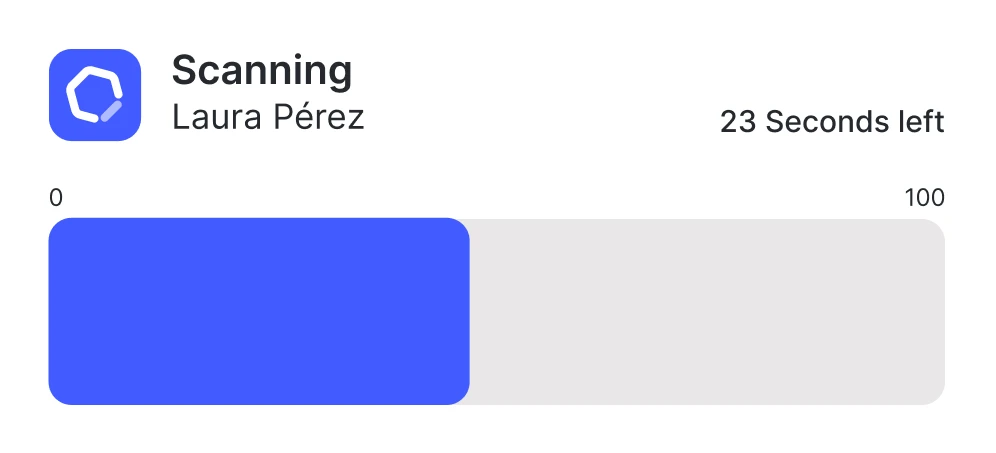
Say goodbye to paper and spreadsheets. Sesame automatically records every clock in and out, down to the second, eliminating human error and ensuring 100% reliable data.
Knowing who’s present,  when, and for how long is essential for rigorous HR management. With Sesame HR’s time tracking software
  , you record clock ins and outs, track time off and tardiness, and automatically generate detailed reports
Say goodbye to paper and spreadsheets. Sesame automatically records every clock in and out, down to the second, eliminating human error and ensuring 100% reliable data.
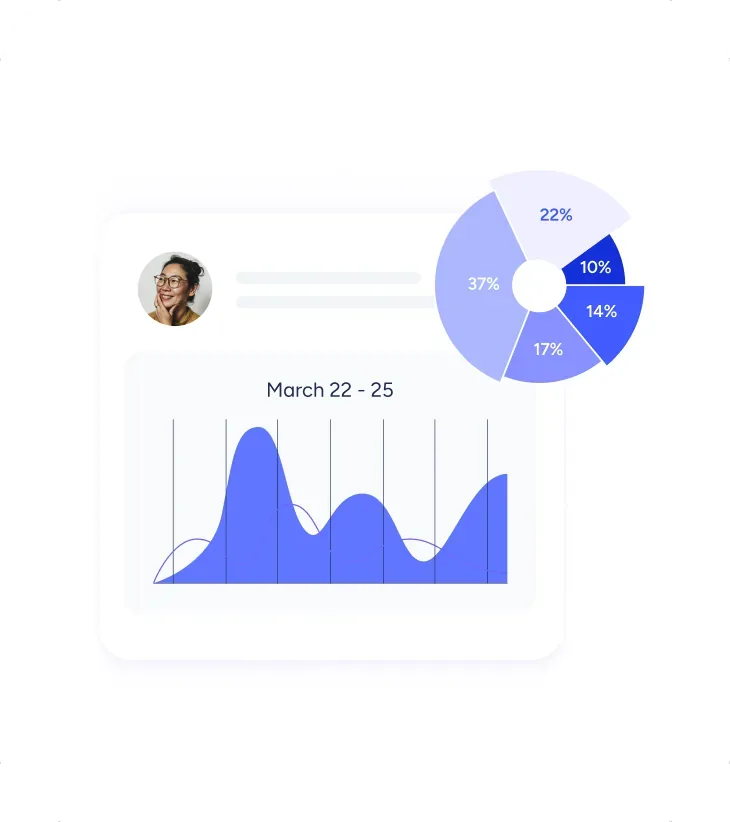
Sesame automates your team’s workday tracking. Eliminate manual tasks and access clear stats and charts to analyze your time at a glance.

Tamper-proof digital records and full traceability of overtime hours, always organized and available whenever you need them, with no extra effort.
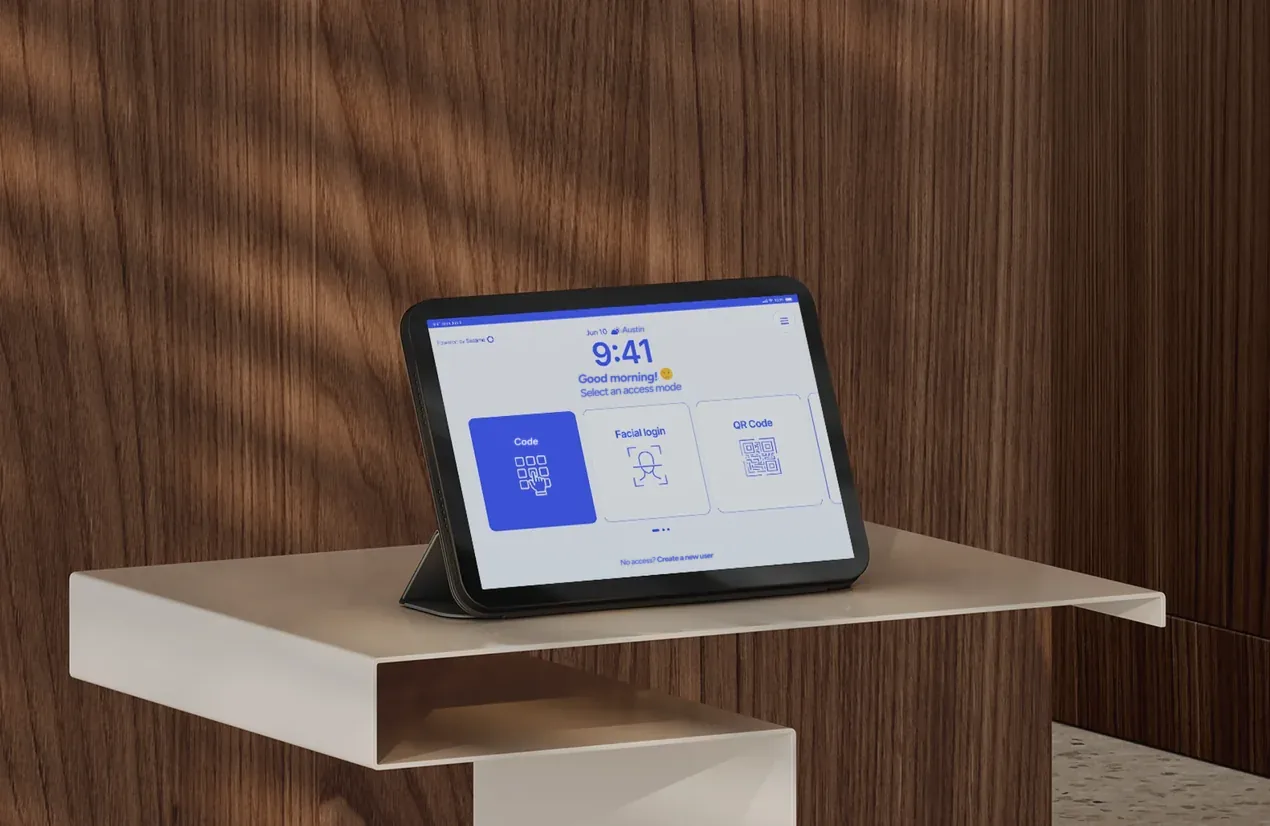
Sesame Kiosk is a clock in/out terminal that turns any Android tablet or iPad into a professional time-tracking system.

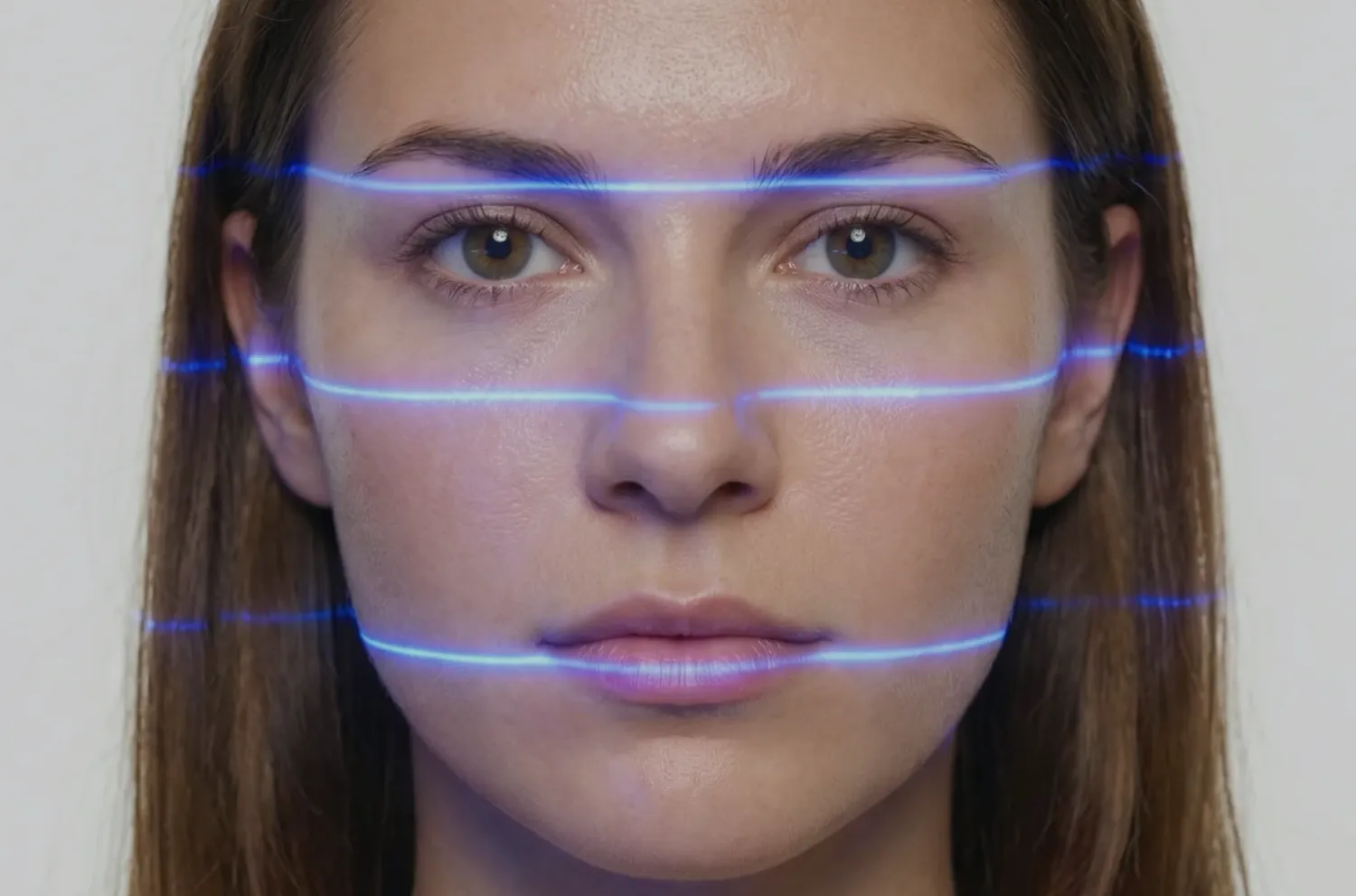
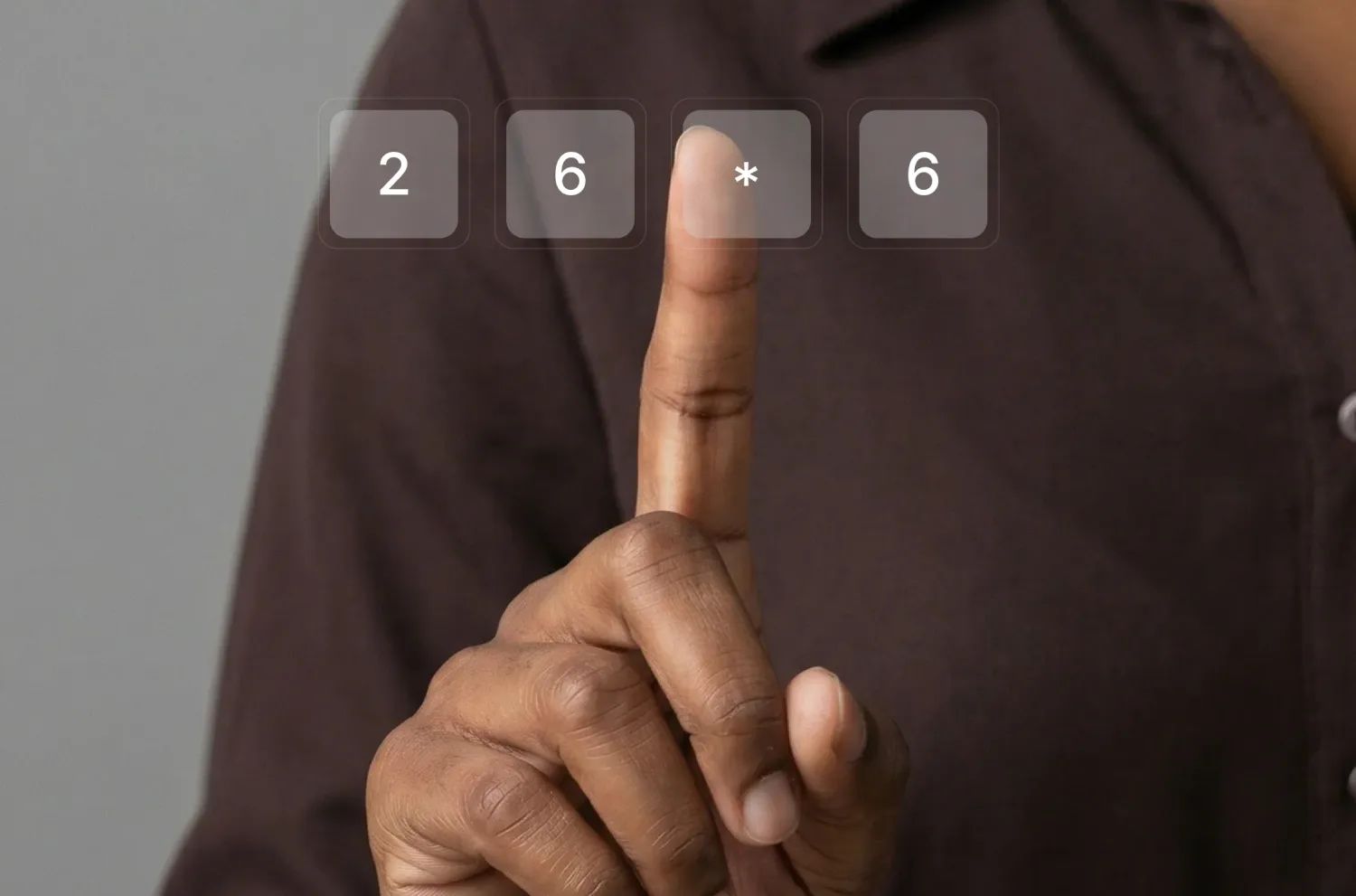
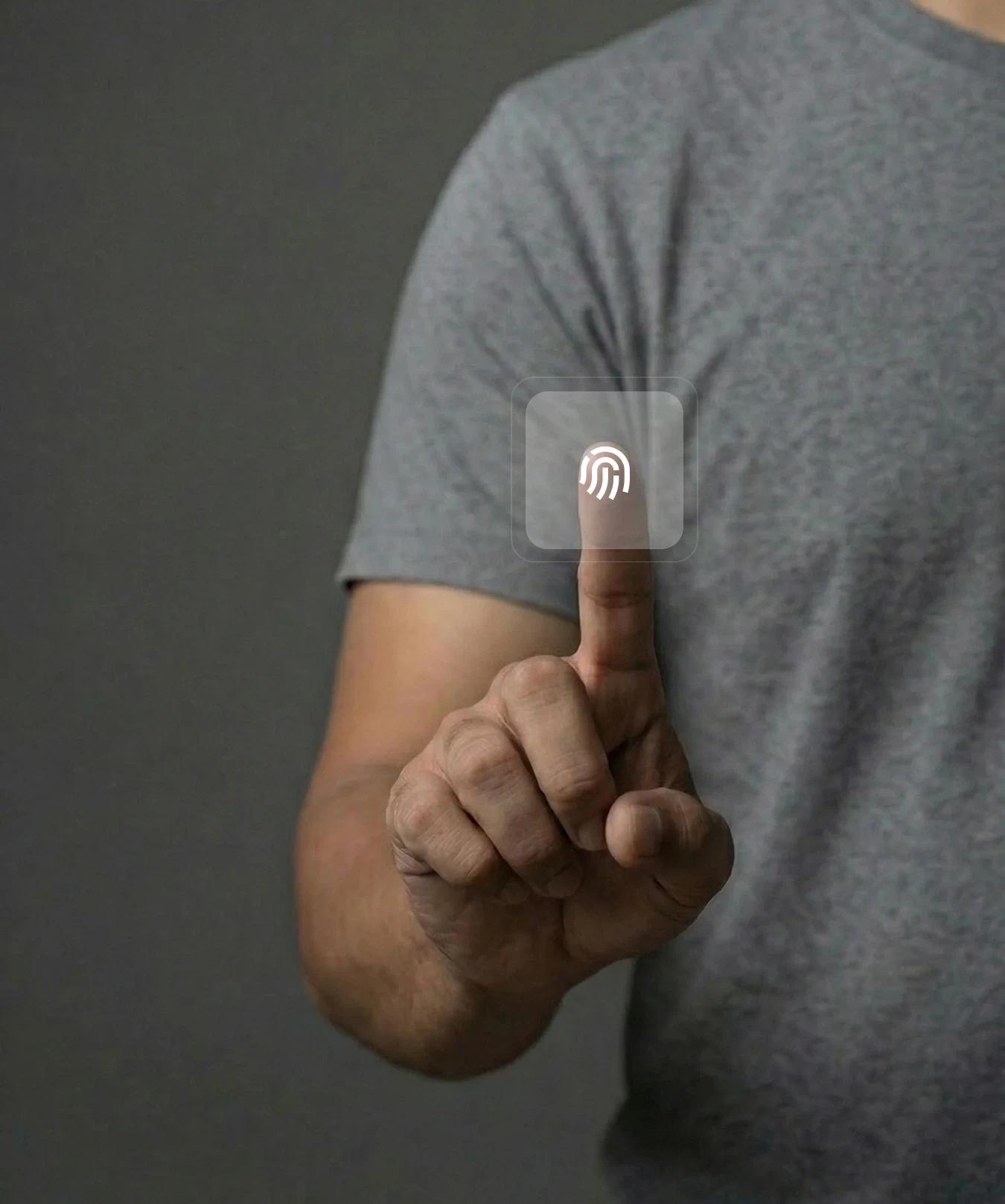
Choose the system that best suits your company: from PIN to facial recognition. Your entire team logs their working hours instantly from a single tablet.

If the network goes down, the app saves clock ins/outs and syncs them automatically as soon as the connection is back. Audit-proof.

The app records the exact time even without coverage or internet. Data syncs automatically once the connection is back. Zero data loss.

If an employee forgets to clock in, they request the change with a supporting document, and the manager approves it right from their phone. That fast.

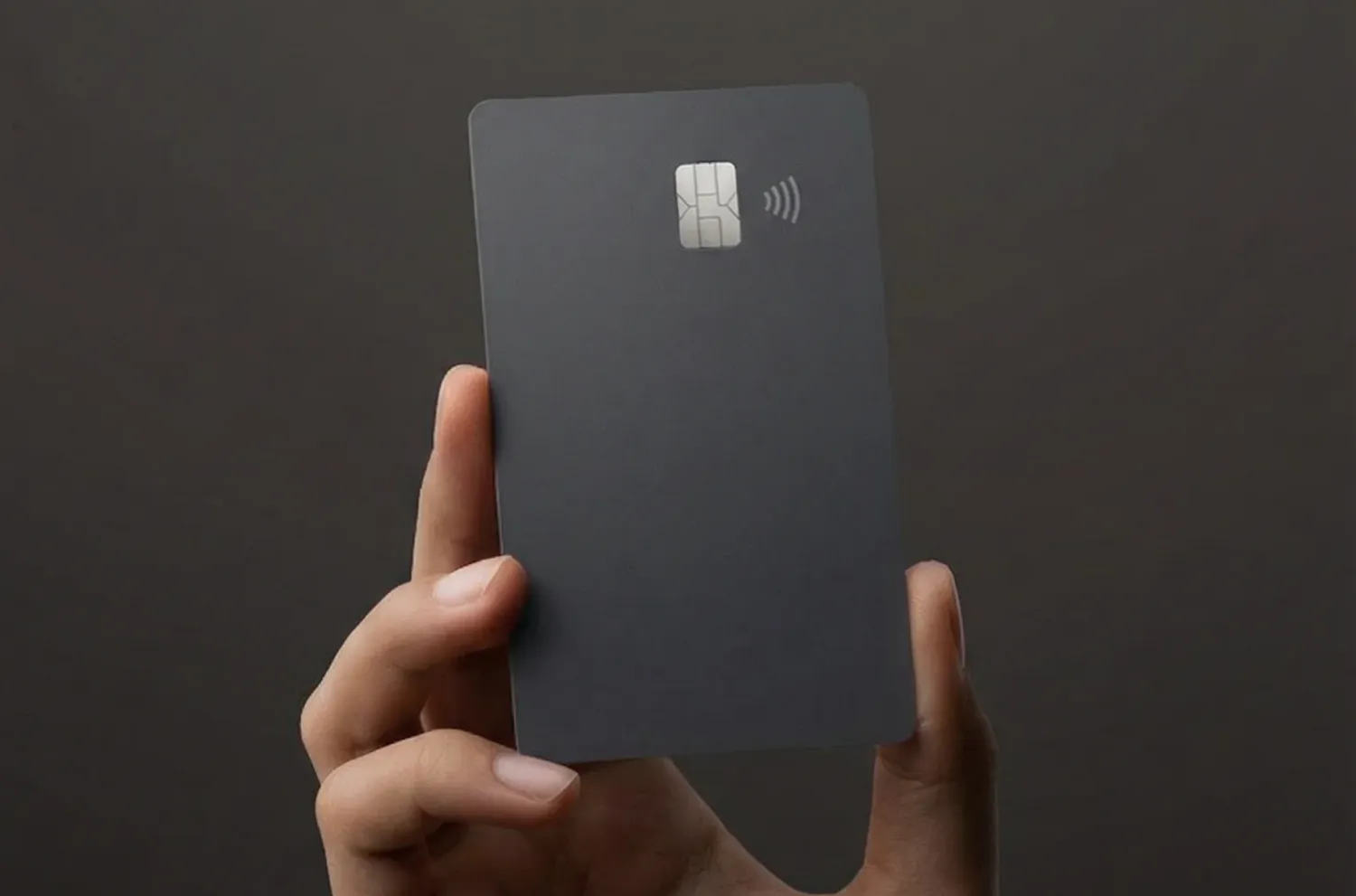
From the app, the web dashboard, or your smartwatch, even WhatsApp or a fixed terminal at the office. Your team clocks in/out however they prefer.
Learn the 4 steps to implement automated time tracking, keep accurate clock ins/outs at all times, and adapt it to your team with no hassle
Implement a digital system and configure your entire company’s schedules, shifts, and templates in one place.
Teach your team to use the tool and enable clock in/out access so they can log their workday from anywhere.
Set up a clear workflow for employees to request clock in/out corrections and for managers to approve them instantly.
Automatically generate and store periodic reports so you always have the information on hand when you need it.

Request a free demo with our experts and they’ll help you choose the plan that best fits your needs. Plus, you can try it for free!
We answer your questions
Here you’ll find the most frequently asked questions about time tracking with Sesame HR.
The system logs clock ins, clock outs, and breaks with a tamper-proof timestamp, keeps the complete history, and automatically generates workday records ready to review whenever you need them.
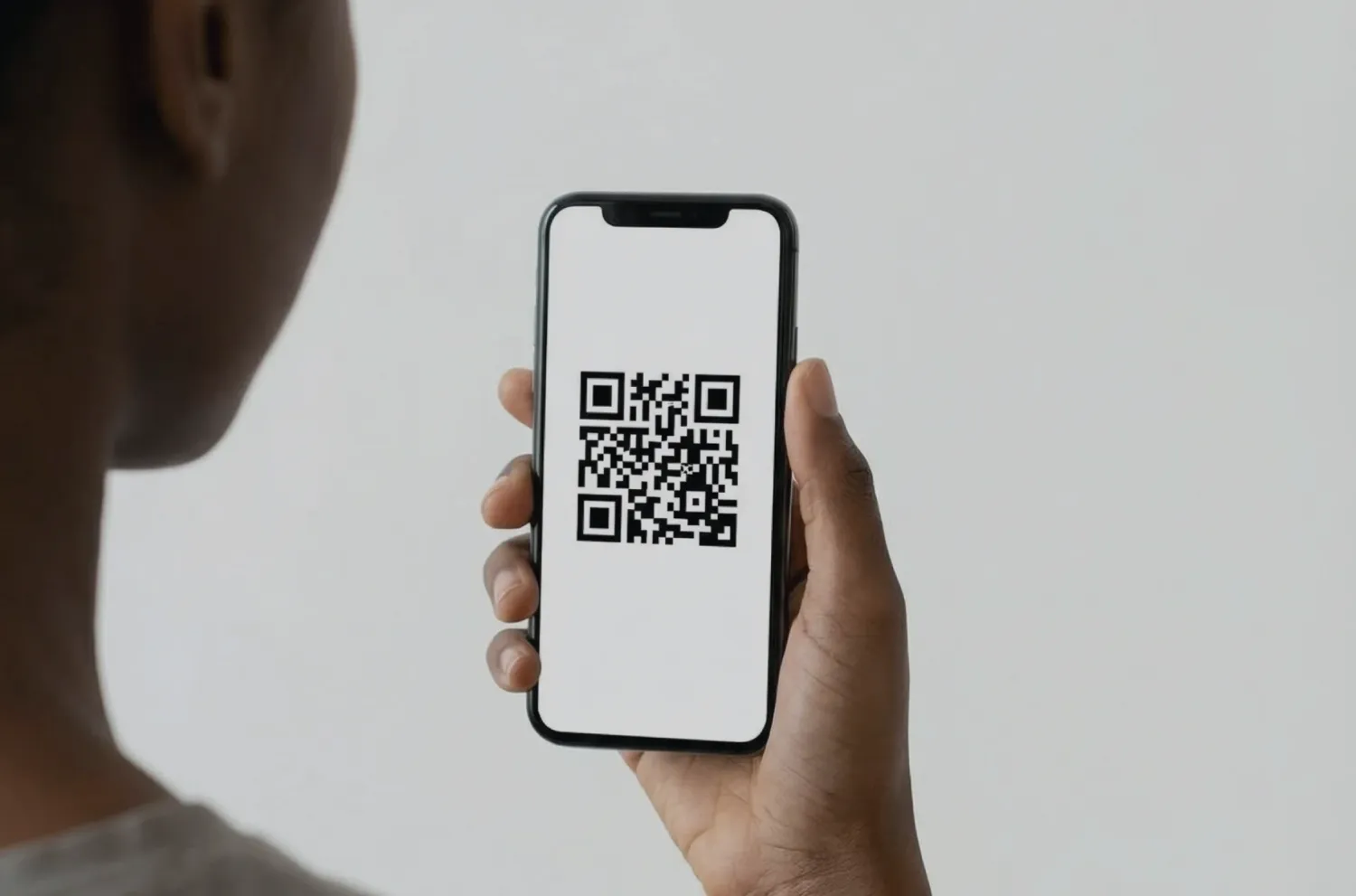
Sesame offers over 12 digital clock in/out methods: facial recognition (Face ID), QR code, Suprema biometric terminals, a mobile app with geolocation, web-based clock in/out from a computer, WhatsApp, and smartwatch.
Sesame is multi-device software with a wide range of clock in/out options. Administrators can set which devices are enabled for each user and customize how each person clocks in/out: desktop computer, tablet, or phone. That way, employees can clock in/out quickly and hassle-free from anywhere.
No, you don’t need to use geolocation every day. In the panel settings, under “Devices - Mobile,” you can enable it if you’d like. Once enabled, each clock in/out stores the exact location, making it easier to track and manage where your employees are for better team oversight.
An internet connection is required to clock in/out from the computer dashboard, since the data loads from a remote location. The tablet and the app are the exception: they save clock in/out data even without an internet connection and send it once the connection is back, so no record is ever lost.
The system lets employees request corrections to their clock ins/outs directly from the platform. HR managers review and approve these requests, ensuring clock in/out accuracy and making it easier to manage time-tracking-related incidents.
Employees submit requests when they run into issues clocking in/out (missed clock ins/outs, changes to previous clock ins/outs, etc.). These requests are sent to the relevant managers for approval. You can also reject or cancel your own requests, or even request extended time off through this same process.
Sesame HR makes remote time tracking easy with its mobile app featuring geolocation and its web platform. Employees can clock in/out from anywhere, and the system automatically records whether the workday was on-site or remote. It also supports clock ins/outs via WhatsApp for mobile teams, so your team can log their workday no matter where they are.
Yes. Sesame HR adapts to any setting: offices with web or card clock in/out, industrial plants with biometric terminals or QR codes, remote teams with a mobile app and geolocation, and traveling employees with WhatsApp clock in/out. It supports continuous, split, night, and rotating shifts for companies of any size.
Yes. Beyond time tracking, Sesame includes tools for managing shifts, holidays, and time off. Employees request days off, and managers approve or deny these requests, all from the same platform, which makes team planning simpler.
Yes. Sesame offers integrations with payroll software, calendars, and other HR applications. This enables more efficient management and avoids duplicate work by centralizing information in a single platform.