




Simplify holiday management
Automate requests, approvals, and tracking for employees and administrators.


Managing holidays doesn’t have to be chaos. With Sesame, you automate requests, see your whole team’s availability, and make decisions backed by centralized information
Automate requests, approvals, and tracking for employees and administrators.
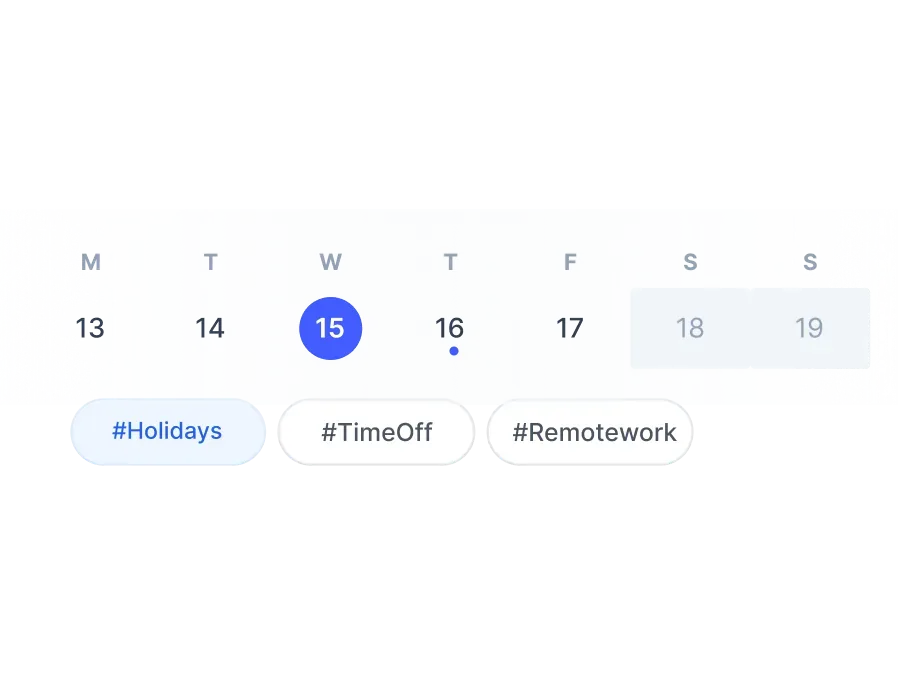
Check your whole team’s holidays and time off in an intuitive calendar.

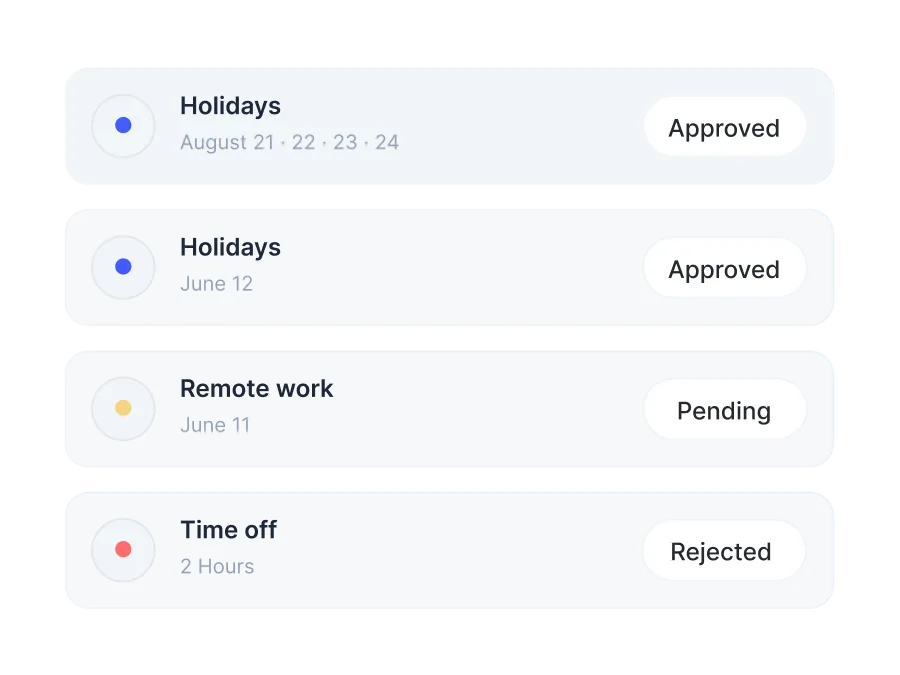
Bring all your time off data together in one place and make decisions on the spot.


Configurable approval workflow. The calendar updates automatically.

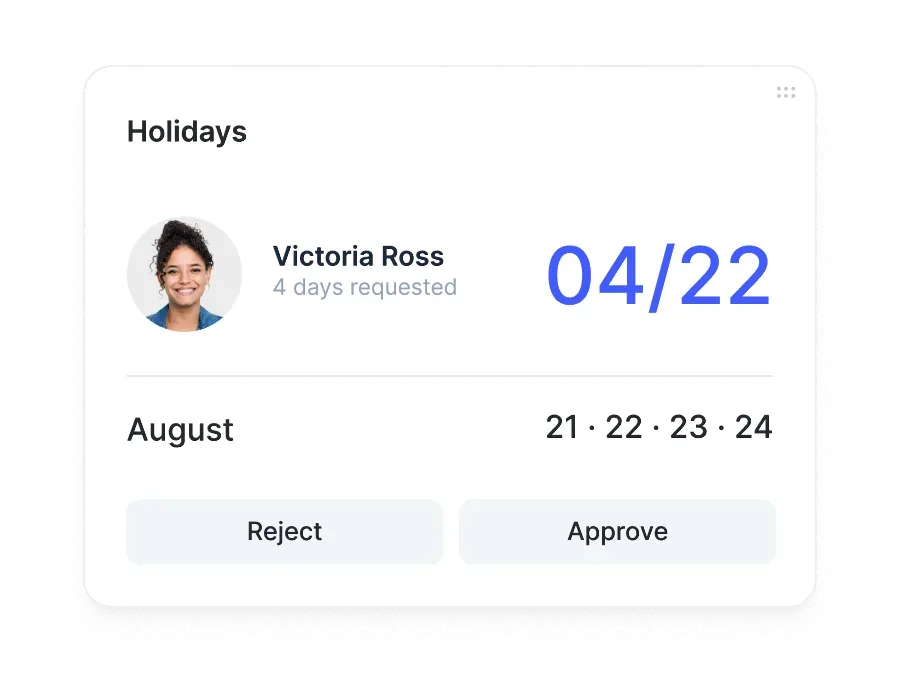
Employees request their days off and immediately see if there are any conflicts with the team.

Managers get a notification and approve or reject it from their phone in seconds.

As soon as it’s approved, the team calendar shows the time off. No duplicate work.
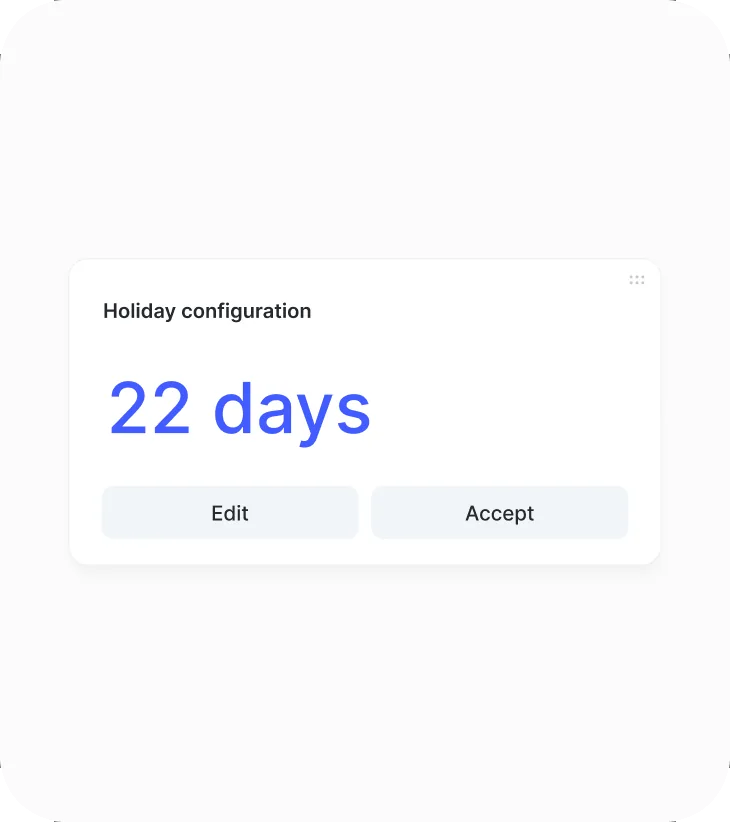
Set the number of days based on your company’s policy: fixed, based on seniority, or unlimited, with renewal by calendar year, work year, or month.
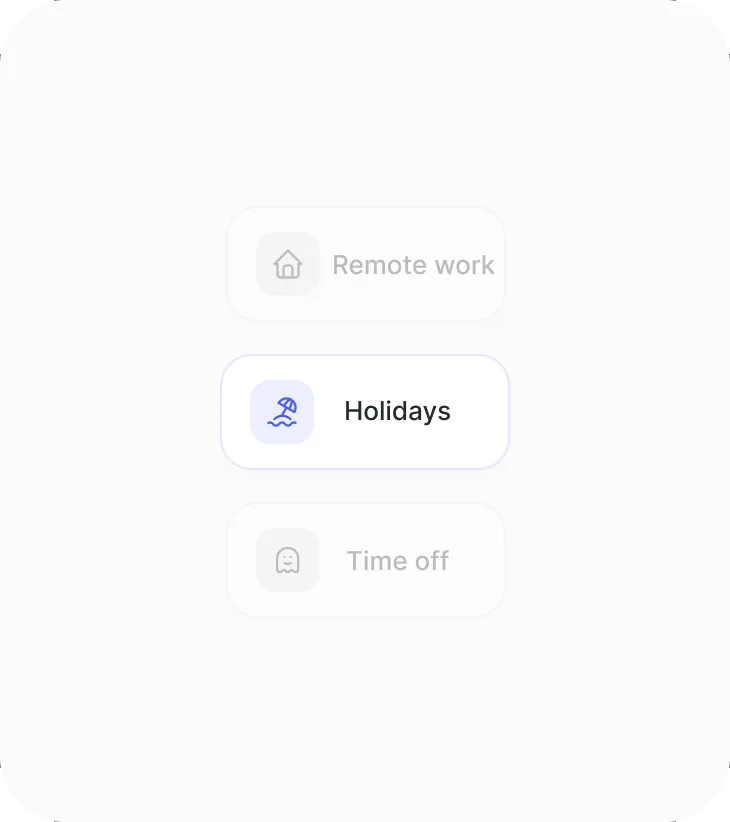
Allows half-days calculated by average, with three request modes: by days, time range, or free hours, with optional or mandatory supporting documents.

Unused days roll over to the next period with a configurable expiration date, balance adjustments with history, and blocks on critical dates.

Every employee sees their exact balance in real time, with no manual calculations or spreadsheets, and you avoid errors in every request.

Google Calendar sync, half-day or hourly requests, and blocking of critical dates to protect your operations.

Automatic two-way sync, with no duplicate work.

Half-days, individual hours, or full days, with a real-time balance.

Block critical dates and prevent requests during key periods.

Configurable approval chains, with delegation and push notifications.
Request a free demo with our experts and they’ll help you choose the plan that best fits your needs. Plus, you can try it for free!
We answer your questions
Here you’ll find the most frequently asked questions about Sesame HR’s holiday and time off manager.
The time off and holiday request system simplifies attendance management. Employees submit requests from the mobile app or web portal and receive email confirmation and push notifications. Up to three validators are notified of each request, so none go unnoticed. Users can review and cancel their requests at any time, and the administrator can accept or reject them with full transparency.
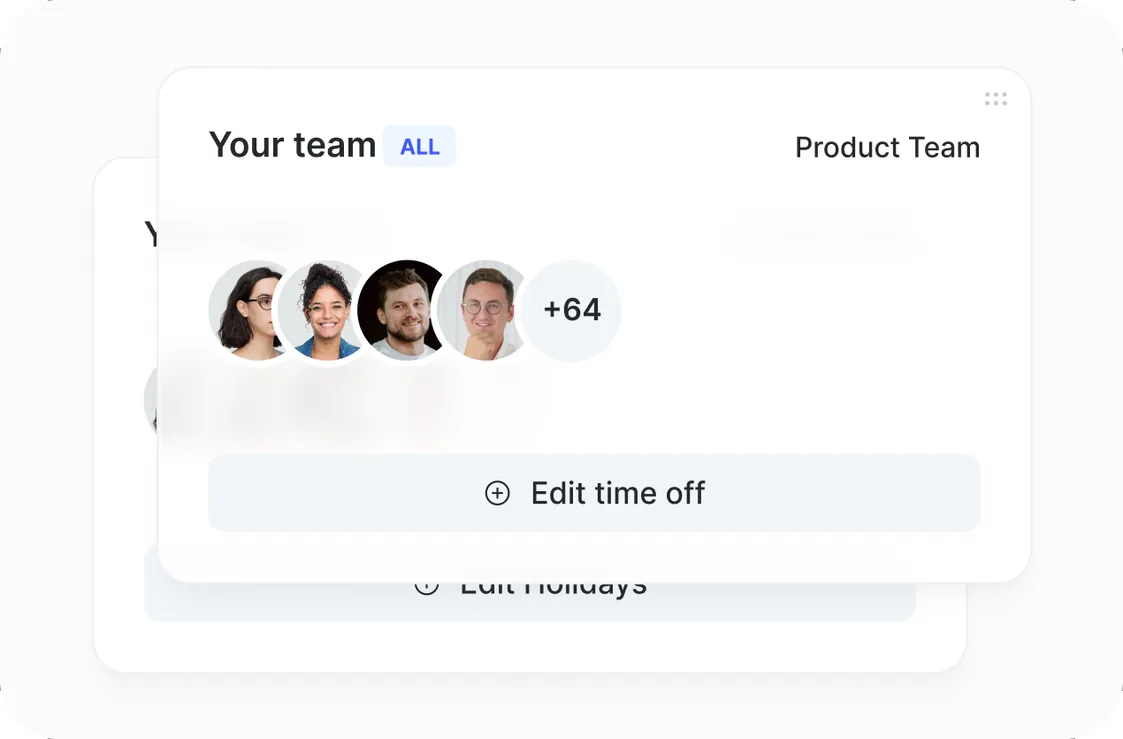
Yes. You can see the time off and holiday calendar in a single view, showing which days your team will be out and why. This gives you the flexibility to know when your team is available and make any necessary adjustments. Administrators can easily update the calendar, which is especially useful for companies with large groups of employees who need to keep track of everyone’s limits.
Yes! When you receive your employees’ holiday requests, you’ll have the option to approve or reject them. Whatever you decide, we’ll send an email to let the employee know.
Time off for different reasons is important for maintaining a healthy work environment, since it gives employees the time and support they need during difficult moments. Some of the most common reasons include: medical appointments, medical checkups, the death of a family member, moving, and getting married. Each reason requires special treatment, such as time off, special leave, or exemption from overtime hours.
When organizing your team’s holidays, you have several options. In the settings, you can set the maximum number of holiday days per year based on your country’s legislation or your company’s internal policy. You can also calculate holidays based on an employee’s seniority, choosing between the work year and the calendar year. Each time an employee completes another year of their contract, their holidays renew automatically; if there’s no configuration for that year, the previous year’s settings apply.
Employees can request their holidays directly from the Sesame HR web dashboard or mobile app. They just need to select the days they want, indicate the type of time off, and submit the request. Once submitted, the relevant manager will receive a notification to approve or reject it.
Yes, Sesame HR lets you create multiple holiday calendars and assign them by company, department, or even by individual user. This makes it easy to adapt to each organization’s specific internal policies.
The system lets you set up approval chains, ensuring requests go through the designated managers before being approved. Managers receive notifications and can manage requests from any device.
Yes, Sesame HR offers a calendar view where you can see the whole team’s time off and holidays in real time, which helps with planning and avoiding scheduling conflicts.
Educational institutions have a very particular staffing structure: teachers with variable schedules, administrative and support staff, and a high degree of temporary staffing tied to the academic calendar. Sesame HR lets you configure each institution’s work calendar (school terms, school holidays, and local public holidays), track teachers’ working hours from any device, manage substitutions with an up-to-date record of available staff and their qualifications, and centralize all documentation: contracts, qualifications, certifications, and training records.