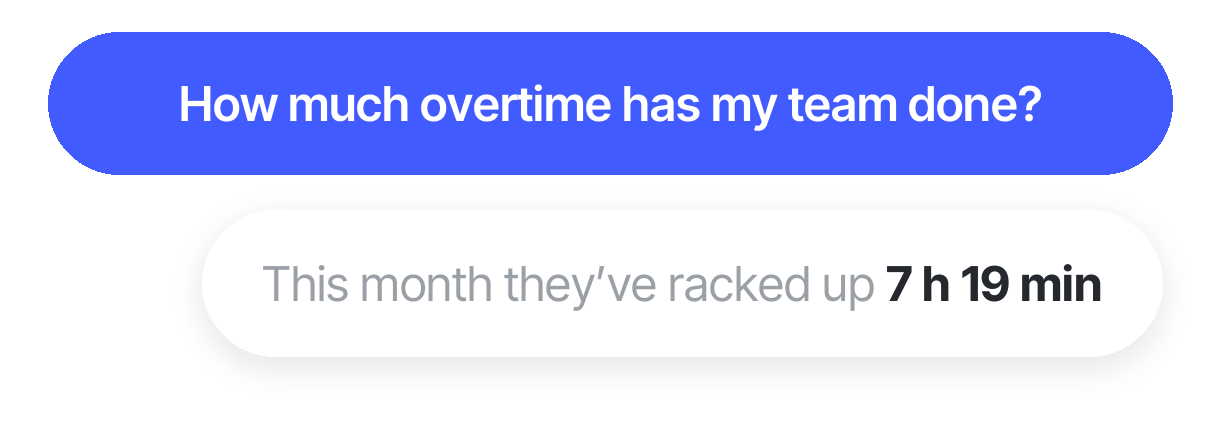





Measure your team's extra work
With our overtime program, you'll always know your balance in real time, including hours already compensated and hours still pending.

Track extra work time. With Sesame's overtime balance, you'll learn to manage your team's overtime, and the system will generate custom reports
With our overtime program, you'll always know your balance in real time, including hours already compensated and hours still pending.
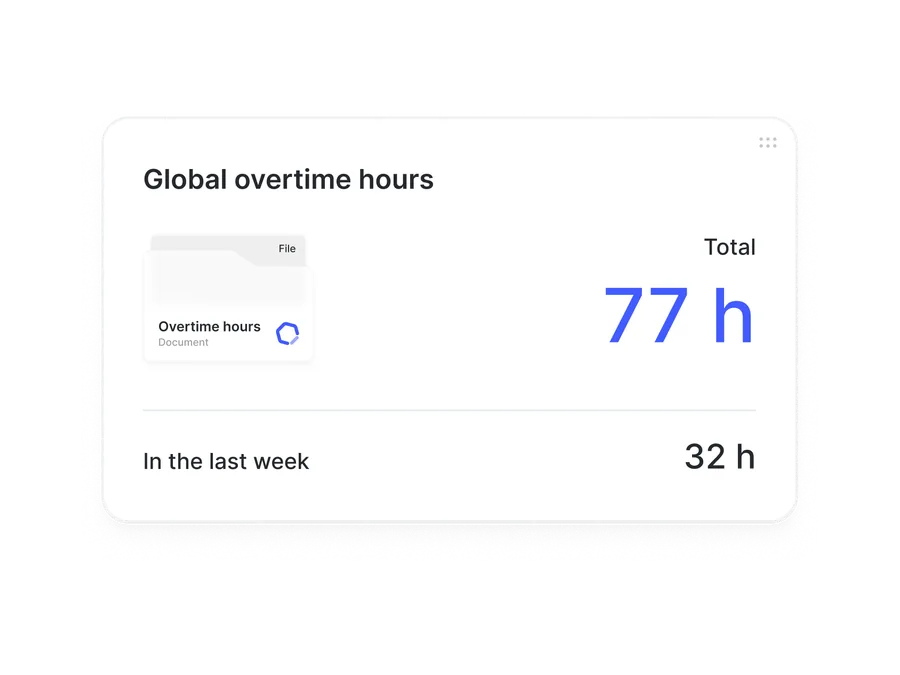
Easily check total scheduled hours, hours actually worked, and accumulated overtime and supplementary hours.

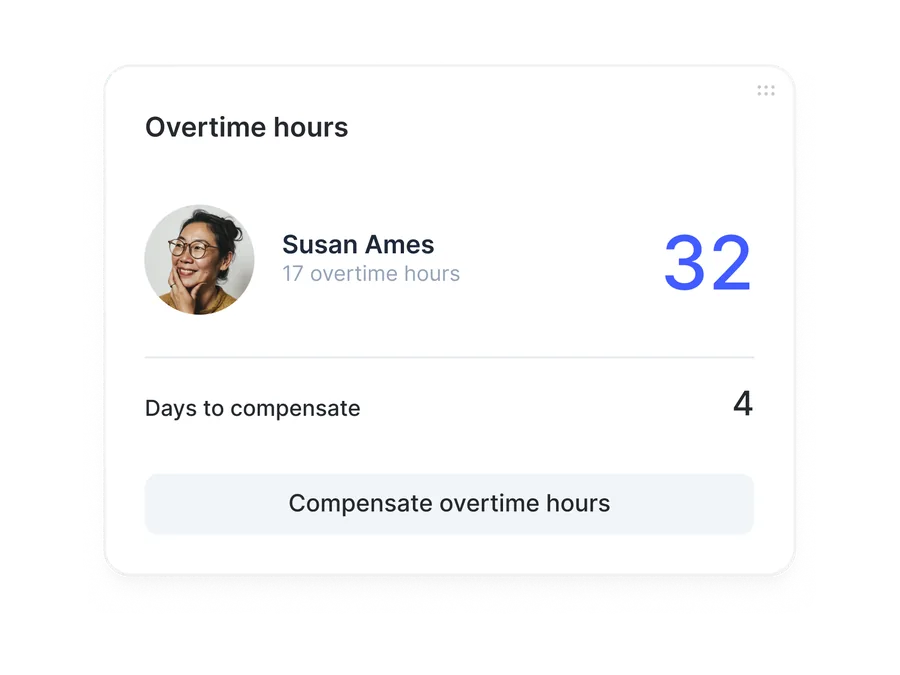
Compensate overtime however works best for your company's needs.


Choose how to compensate the overtime balance based on your preferences and your company's needs. With the time-off option, a new type of time off is created specifically to compensate your employees' overtime.
You're free to choose how you want to compensate extra time worked, with a solution that fits both your interests and your team's.

Automatic detection, flexible compensation policies, and a dashboard with predictive alerts, all in a single flow.
Automatic tracking: every overtime hour is calculated by comparing actual hours worked (clock in/out data) against contracted hours. Full transparency for both employee and company.
Flexible compensation: set global or per-employee rules: time off, payroll pay, or a hybrid model. Configure annual accumulation limits, and the system applies them automatically, so you don't have to keep track yourself.
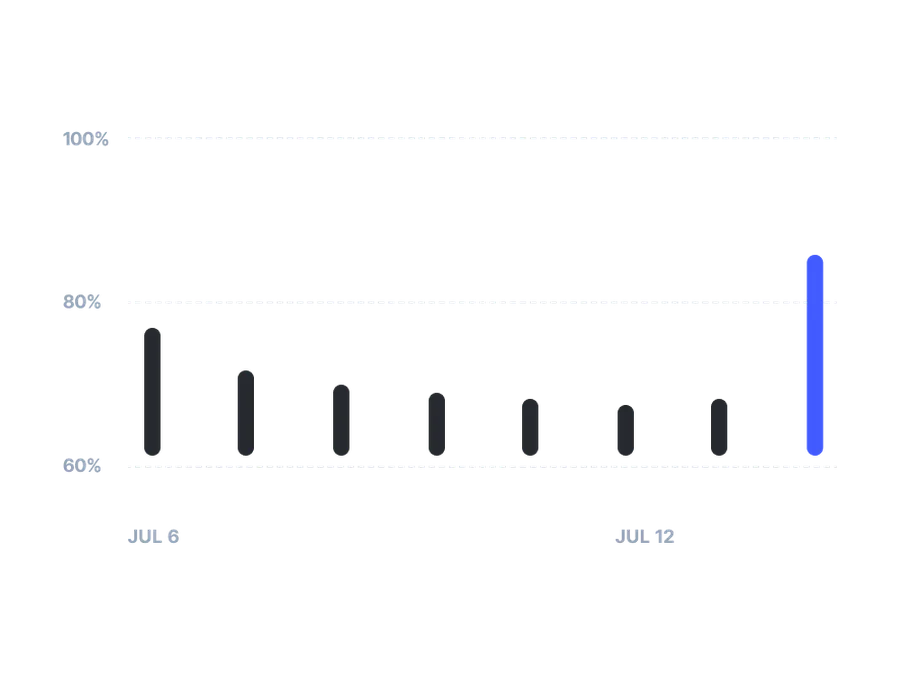
Dashboard and alerts: view overtime trends by department in real time. Get automatic notifications when an employee approaches the configured threshold, before it turns into a legal or cost issue.
How does Sesame's overtime balance program work?
Go to your overtime balance area to see your employees' overtime.
Compensate each employee's overtime, either with pay or with time off.
Review the history of your employees' overtime balance. You'll be able to see how each employee's overtime was compensated.
Create your overtime balance report easily and automatically in Excel, CSV, or PDF.
The HR software with 20,000+ happy clients



Request a free demo with our experts and they'll help you choose the plan that best fits your needs. Plus, you can try it for free!
We answer your questions
Here you’ll find the most frequently asked questions about Sesame’s overtime balance program.
The overtime balance is a feature that lets you accumulate hours worked outside the regular schedule so they can be compensated later with time off or pay, based on the company's policies. In Sesame, this process is handled automatically, logging the hours and making compensation easy to manage according to the rules you set.
Sesame's system monitors employee clock-ins and clock-outs in real time. When someone works beyond their scheduled hours, the system automatically detects and logs those hours as overtime, based on the rules the company has set.
Yes, Sesame lets you choose between compensating overtime with time off or with pay. The company can configure this preference based on its internal policies and its employees' needs.
Depending on the access assigned, HR, team managers, and employees themselves can access and manage the overtime balance. This keeps things transparent and makes it easy for employees to manage their own hours.
Overtime logged in Sesame can be exported in formats like Excel, CSV, or PDF, making it easy to include in your payroll process. This helps ensure compensation is reflected correctly in employee pay.
Any change to the work schedule should be communicated to the employee in advance, in accordance with the applicable legislation in each country. Sesame makes this easy with automatic notifications and system clock ins/outs.
Yes, Sesame lets you configure specific rules for accumulating and compensating overtime, adapting to your company's internal policies and any agreements you have with employees.
The system lets you generate detailed reports on hours worked, accumulated overtime, and compensation given. These reports can be customized and exported in different formats for analysis and record-keeping.
The overtime balance gives both the company and its employees flexibility. For the company, it helps absorb fluctuations in workload without immediate extra cost. For employees, it offers a way to balance work and personal life by compensating overtime with time off or pay.