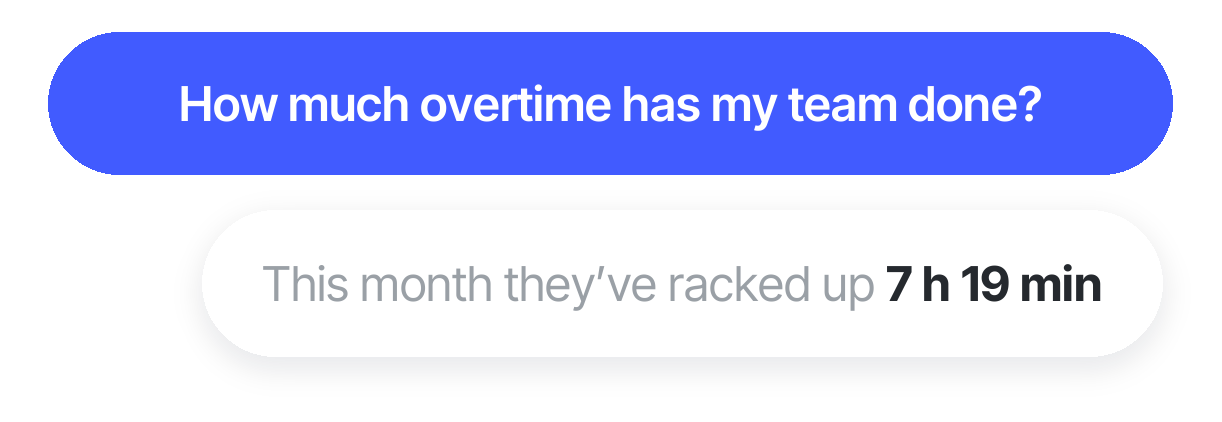





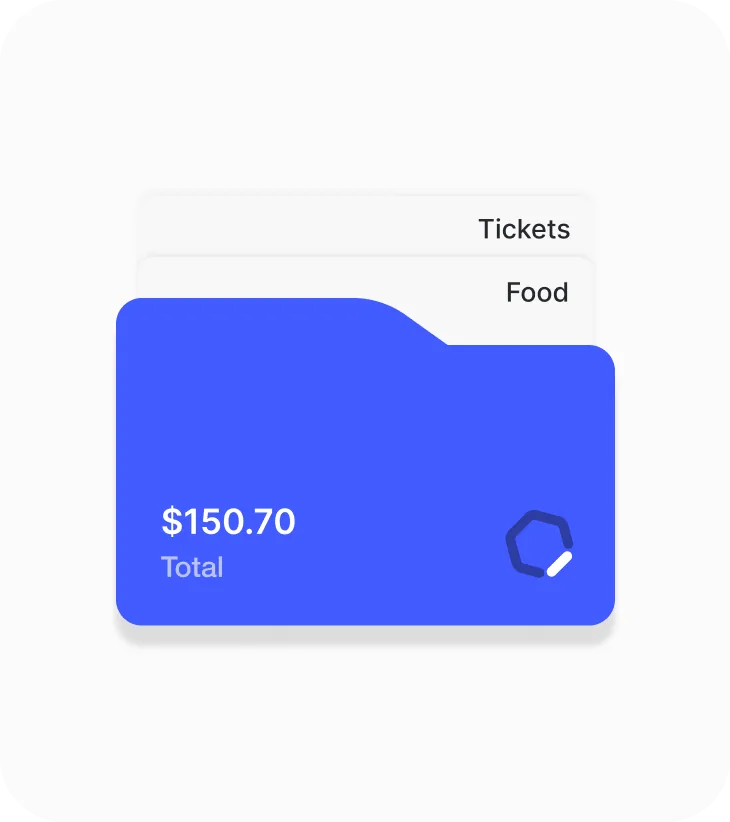
Centralize expenses.
Stop jumping between platforms. With Sesame, you centralize all corporate expenses in one place and get the tools you need to track travel allowances, mileage, and budgets without losing control.

Managing expenses on paper only causes delays and mistakes. With Sesame, your employees snap a photo of the receipt  from their phone, and managers approve reimbursements in one click
 . That simple: total control over your costs, up-to-date accounting, and zero frustration
Stop jumping between platforms. With Sesame, you centralize all corporate expenses in one place and get the tools you need to track travel allowances, mileage, and budgets without losing control.
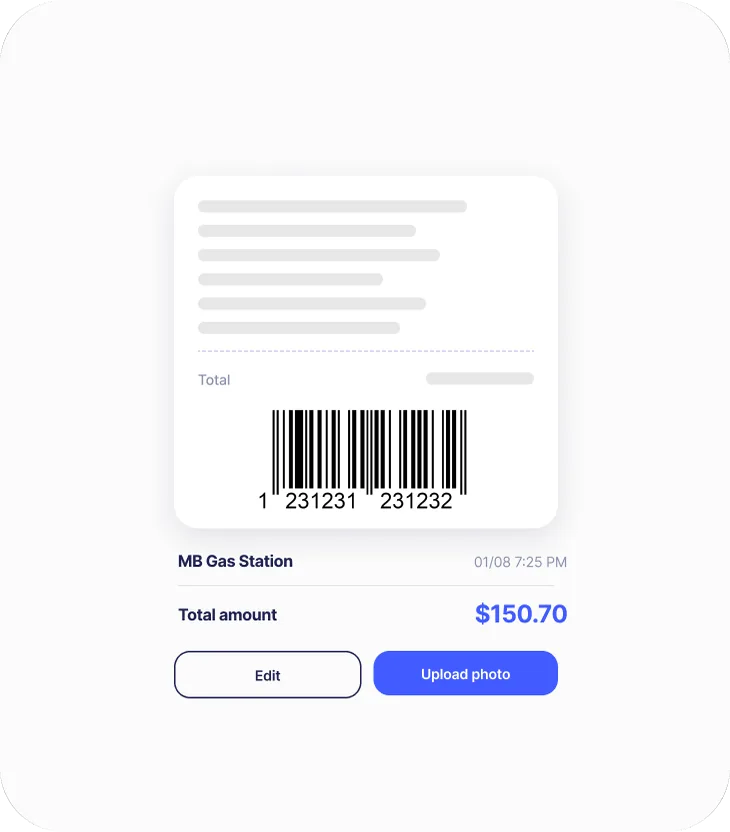
Just by taking a photo of the receipt, your employees can log their expenses instantly. Thanks to OCR reading, the data fills in automatically, saving time and avoiding errors.

Your team pays and uploads a photo of the receipt right away. You simplify management, eliminate human error, and save time while keeping your accounting fully transparent.

View, manage, and digitize your employees' expense management and integrate it into Sesame HR to handle everything from one place.

Forget the paperwork and slow platforms. Sesame's expense management software puts all the power in your hands to centralize, review, and reconcile your business accounts in three simple steps
Your team logs their expenses and can use OCR technology to upload them without any manual entry.
Review your team's payments and approve, reject, or request more information in seconds. The fastest way to manage all your employees' expenses from a single place.
Works with your finance tool. Export expenses and move them from one platform to another in just one click.


You may know how much your company spends, but rarely on what. Without grouping expenses into sheets, overspending only shows up once it's too late to fix.
With Sesame, create expense sheets with a set budget, give each sheet a validity period, assign it to your team, and let payments link themselves automatically. Track spending in real time, catch overspending instantly, and approve every receipt from a trip, event, or trade show with a single click.
Benefits

Your employees can report and justify their expenses immediately and intuitively from the Sesame app.

Spot spending patterns, catch irregularities and areas for improvement, and make the most of your financial resources.

Sesame keeps everything digital and audit-ready: ditch the paper and digitize every receipt.

Say goodbye to chasing receipts, thanks to automated expense reports.

Get an instant view of your team's transactions. Approve, reject, or request more information in a single click.

Ready to simplify HR management and save time? Try Sesame HR for free! See for yourself how Sesame can optimize your processes, with no commitment.
Best of all, if you decide to stay with us, there are no strings attached: our software has no long-term contract. Try it now!
We answer your questions
With Sesame, employees can log their expenses easily through the mobile app or the web platform. Using OCR technology, all it takes is a photo of the receipt or invoice, and the system automatically extracts the relevant data, such as the amount, date, and vendor. This removes the need for manual entry, saving time and reducing errors.
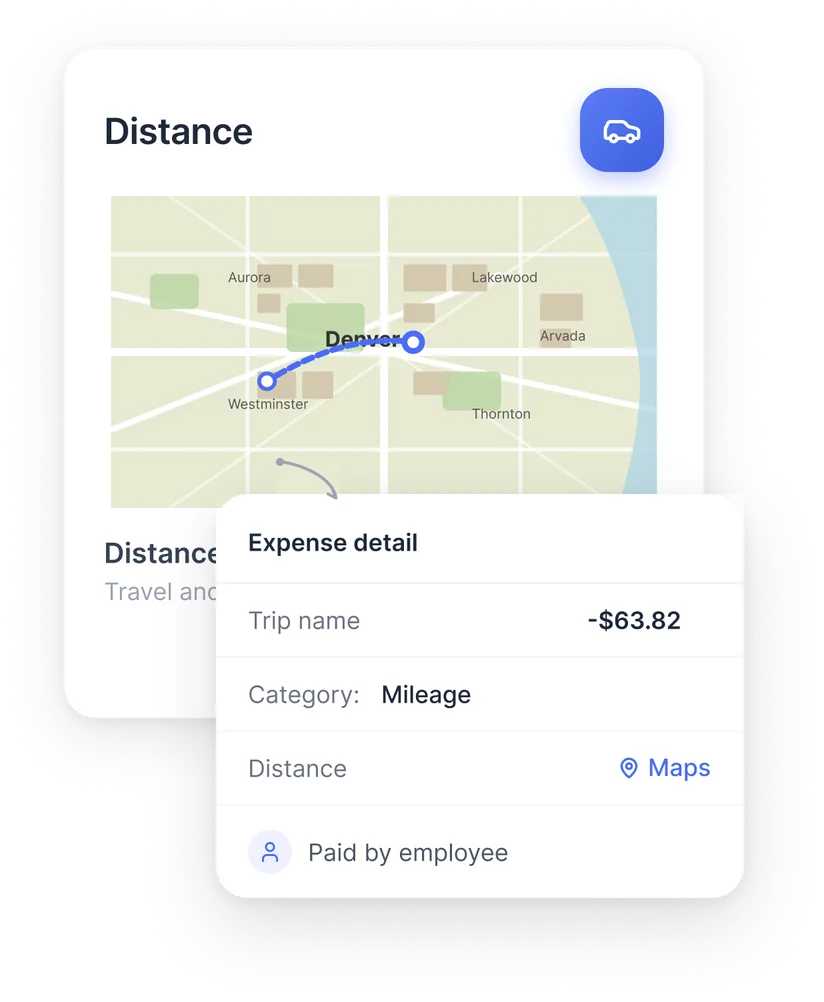
Yes, Sesame lets you manage travel and mileage expenses efficiently. Employees can log their trips, and the system automatically calculates the corresponding amount based on the per-mile rate set by the company. You can also attach supporting evidence, like map screenshots or photos of the odometer.
The employees who can log expenses in Sesame are those the administrator has given access to the tool. The administrator can grant access to any employee by following this path: Expense management, Employees, Assign employees. As soon as access is granted, employees receive a notification letting them know they can start logging expenses.
Expenses logged by employees are automatically sent to the designated approver for review. From the Sesame platform, the approver can approve, reject, or request more information about each expense with a single click. This speeds up the process and ensures compliance with company policy.
Sesame offers a wide range of reports and analysis that give you a clear, detailed view of your company's spending. You can generate reports by expense category, department, project, or employee, as well as spending trend analysis over time. These reports help you spot patterns, find opportunities to save, and make informed decisions. They're also exportable and compatible with other finance tools, making it easy to fit them into your accounting processes.
Yes, Sesame lets you export expense data in formats compatible with a variety of finance and accounting tools. This makes it easy to integrate with your existing systems and keeps your accounting accurate and up to date.