




Design timetables in one click
Get fast scheduling and save hours of manual work by assigning shifts in seconds.

Planning your timetables is now as easy as it is fast. With Sesame, you plan in seconds, control costs, and give your team more autonomy
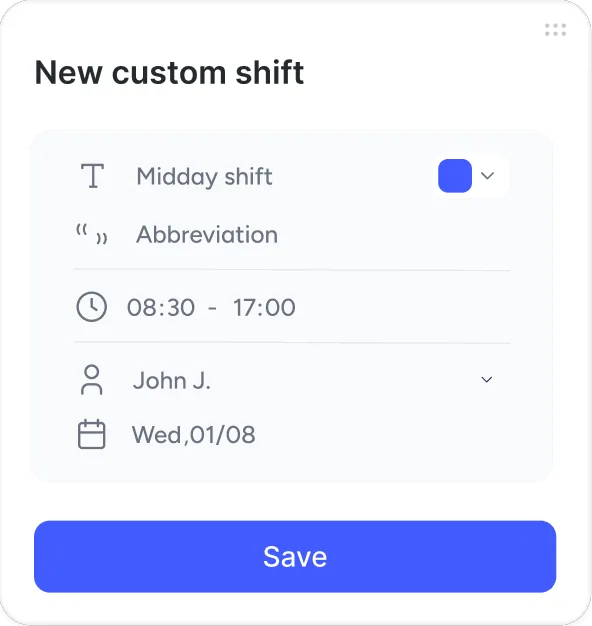
Get fast scheduling and save hours of manual work by assigning shifts in seconds.
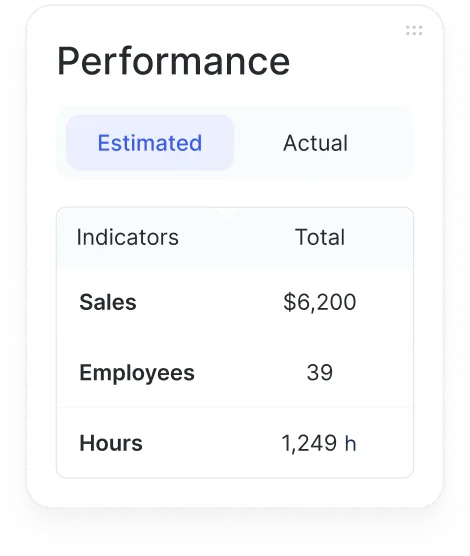
Compare estimated costs with actual costs to make strategic decisions and protect your margin.

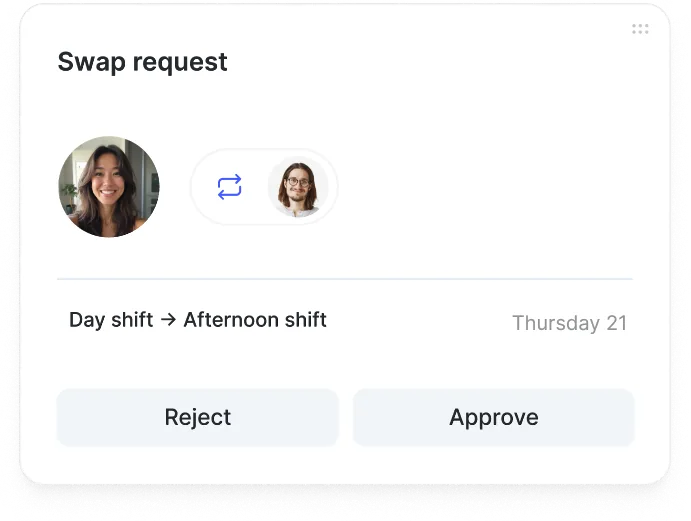
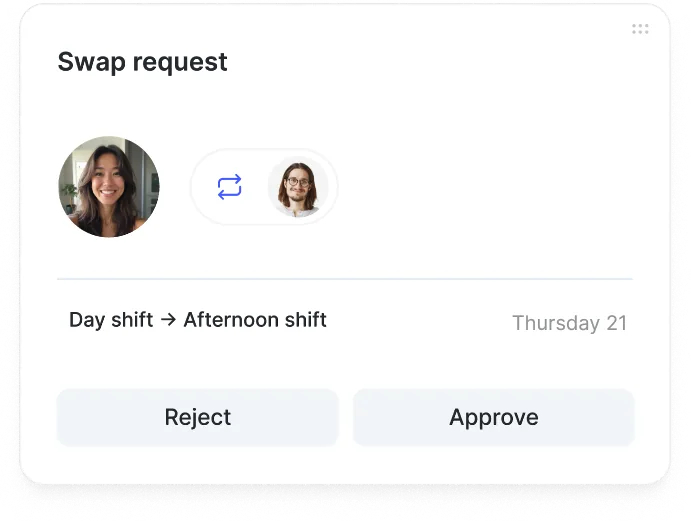
Let your employees swap shifts with each other, reducing your management workload.

The HR software with 20,000+ happy clients



Artificial intelligence: one more reason to choose our shift manager.

AI automatically assigns the shifts you actually need.

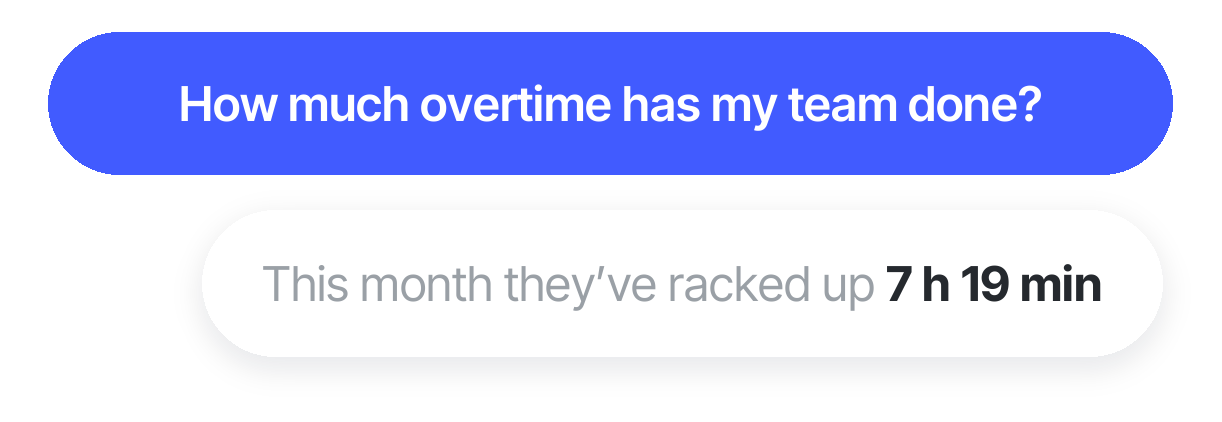
Give instructions to the chat and watch it place shifts on the timetable.

Upload a complex file, and the agent transfers it to the timetable effortlessly.
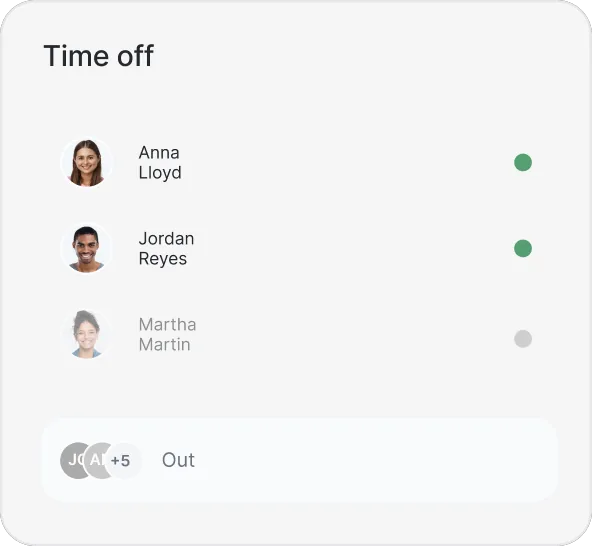
The numbers speak for themselves. This is what changes when a team has the right tools
The shift manager designed to handle every detail of your timetables
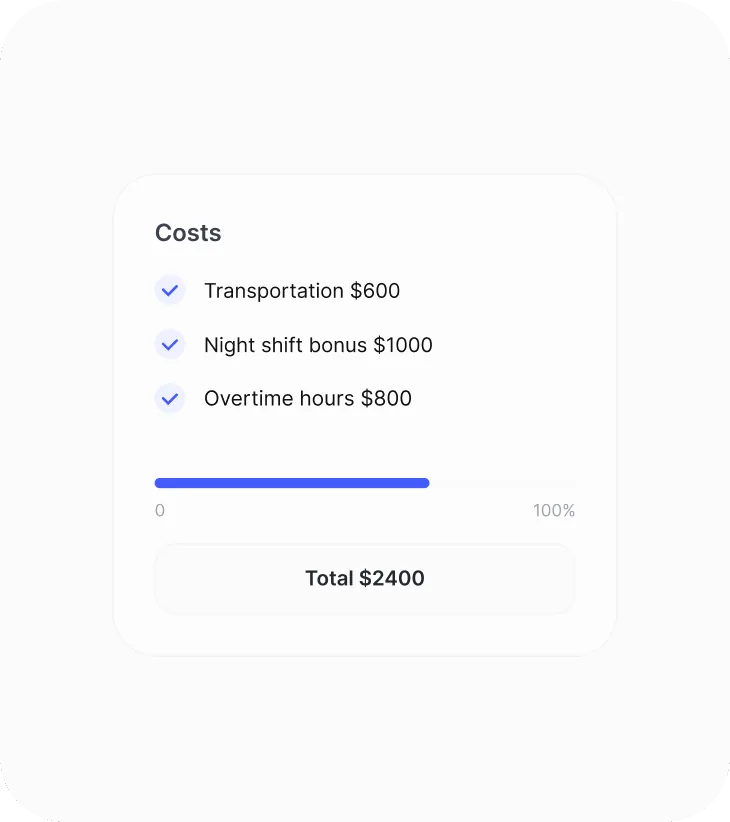
Compare estimated costs with the actual cost of your shifts, track your budget in real time, and avoid overspending before publishing.
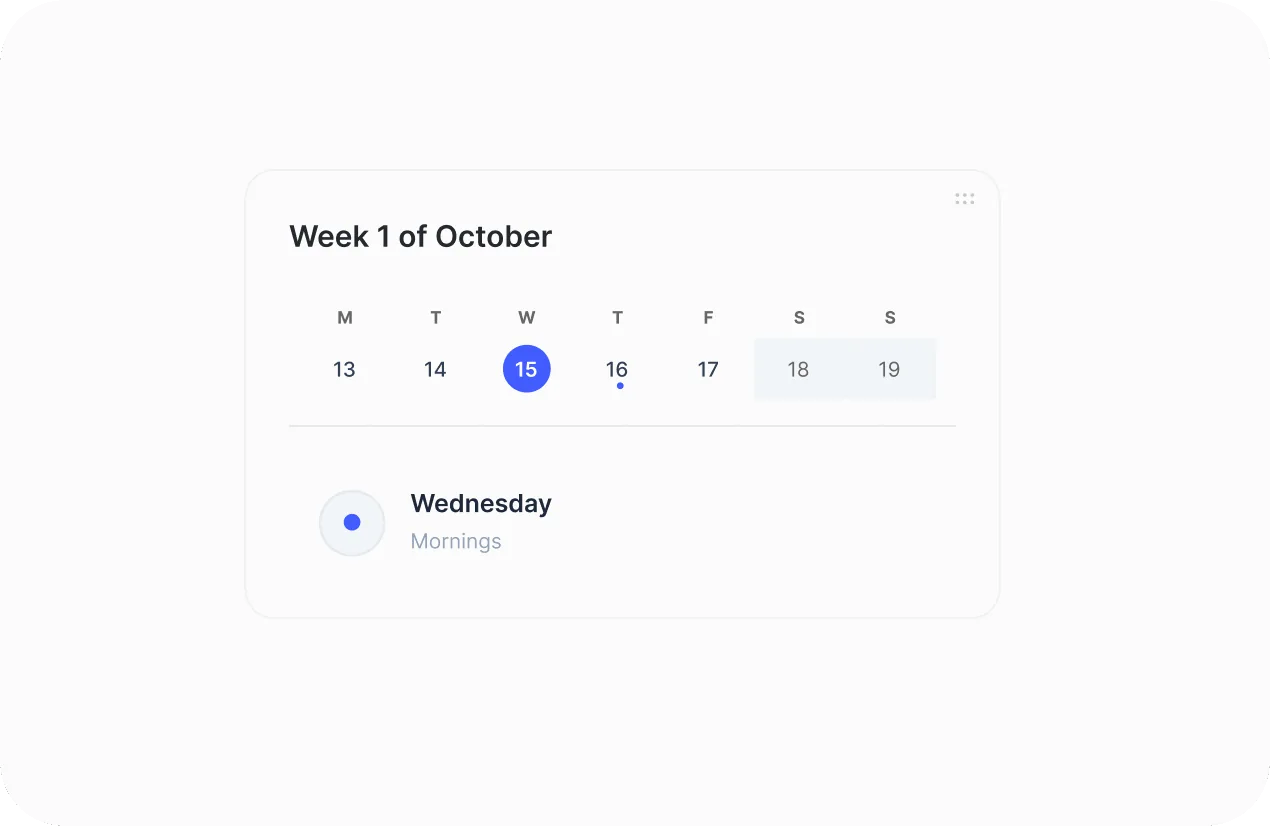
Break your shifts down into mini-tasks and assign repetitive routines in seconds to ensure maximum team coordination.

Assign split shifts or double shifts on the same day to adapt schedules to your company’s real-world operations.

Filter staff by key positions and instantly see whether every time slot is covered.
Request a free demo with our experts and they’ll help you choose the plan that best fits your needs. Plus, you can try it for free!
We answer your questions
Here you’ll find the most frequently asked questions about shift management with Sesame HR.
Shift management software boosts productivity by automating timetable creation and cuts costs by avoiding unnecessary overtime. It also gives you real-time visibility into team coverage and improves workplace morale by giving employees easy, flexible access to their schedules from their phone.
Creating shifts for your employees efficiently is simple with our tool. You can assign different shifts to employees across multiple locations without any issues. The tool gives you a view of each employee’s shifts, so you can avoid overlaps or assignment errors. This lets you organize shifts optimally across all your locations, with the information shown clearly and simply so you can manage them quickly and efficiently.
To assign shifts, you first need a view with two panels. In the first, you’ll see all the shift types assigned to that timetable, and in the second, the employee table with the days and shift abbreviations. Click the shift you want to assign and then the day to mark it for each employee. Then select it and click “Save” and “Publish.” If some employees work rotating shifts, that’s not a problem: you can set a recurrence so it repeats at regular intervals, which saves you time and makes sure everyone has the shifts they need.
To present the data visually, you can use a table with a different background color for each timetable. For example, morning shifts could be highlighted in yellow, while afternoon shifts would be blue. This gives you a quick, clear view of your employees’ shifts.
Night shifts are an important part of many jobs. Sesame HR offers solutions for assigning them so employees can organize their schedules smoothly. The platform records a night shift as a single shift, so there are no issues when calculating hours and employees are paid correctly. It also offers smart features like rule-based generation to make sure shifts are distributed fairly among employees.
To create a repeating pattern for distributing shifts, set up weekly patterns by choosing the shift for each day of the week. You can add as many weeks as you need for the pattern to repeat. Once they’re set up, select the shift for each day, making sure they fit your needs. Save the configuration and assign it afterward so shifts are distributed efficiently. Keep track of the assigned shifts to spot any changes and adjust them if needed.
Yes, shifts can include breaks, which should be added to the schedule to make sure employees get the rest they need. If shifts include breaks marked as automatic breaks, you won’t need to add them to the schedule, which saves time. Breaks can be full or partial hours and must comply with the legal requirements for their number and length under local legislation.
Shift management software lets you create and assign schedules efficiently, taking employee availability into account, avoiding overlaps, and helping you comply with labor laws in each country. It also makes it easier to adapt to unexpected changes and improves internal communication by automatically notifying everyone of any updates.
Yes, Sesame lets employees check their schedules, get notified of changes, and in some cases request changes or swap shifts from the mobile app, giving staff greater flexibility and autonomy.
Automation reduces human error, saves time on scheduling, helps you comply with current labor laws, and improves employee satisfaction by giving them greater clarity and control over their schedules. It also lets you generate reports and analysis that help optimize workforce management.
Healthcare settings (clinics, hospitals, nursing homes, health centers) have very specific requirements: 24-hour shifts, on-call management, tracking qualifications and certifications, and strict compliance with staffing ratios. Sesame HR lets you create shift templates tailored to the sector’s specific needs and manage on-call shifts efficiently, while also storing qualifications and setting up alerts when a certification is about to expire. Managing medical leave, which is especially critical in this sector, happens in real time, making it easier to find substitutes with the right profile and generate the sector’s required time-tracking documentation.