


Sesame HR payroll incident software

Payroll incident software for businesses

Close payroll with nothing left behind
Payroll management demands rigor, security, and efficiency. With Sesame HR, you automate payslip issuance, delivery, and digital archiving in a single system, no paper, no manual errors.
Centralized payroll incident information

Centralized information
to save time on
payroll incidents

  • Save review time

    Centralize all your payroll information in a single view.

  • Real-time updates

    Any change you make to an employee’s profile is instantly reflected in their payroll.

  • Secure, protected data

    Access permissions, encryption, and protection from Sesame.

Sign up for freeSign up for free
Sesame HR payroll incident Alerts inbox

No incident
will slip past you

Every change that could affect payroll calculations (sick leave, an absence, a salary change, and more) is logged and organized in the Alerts inbox, so you can review and confirm it before closing payroll.
Try it for freeTry it for free

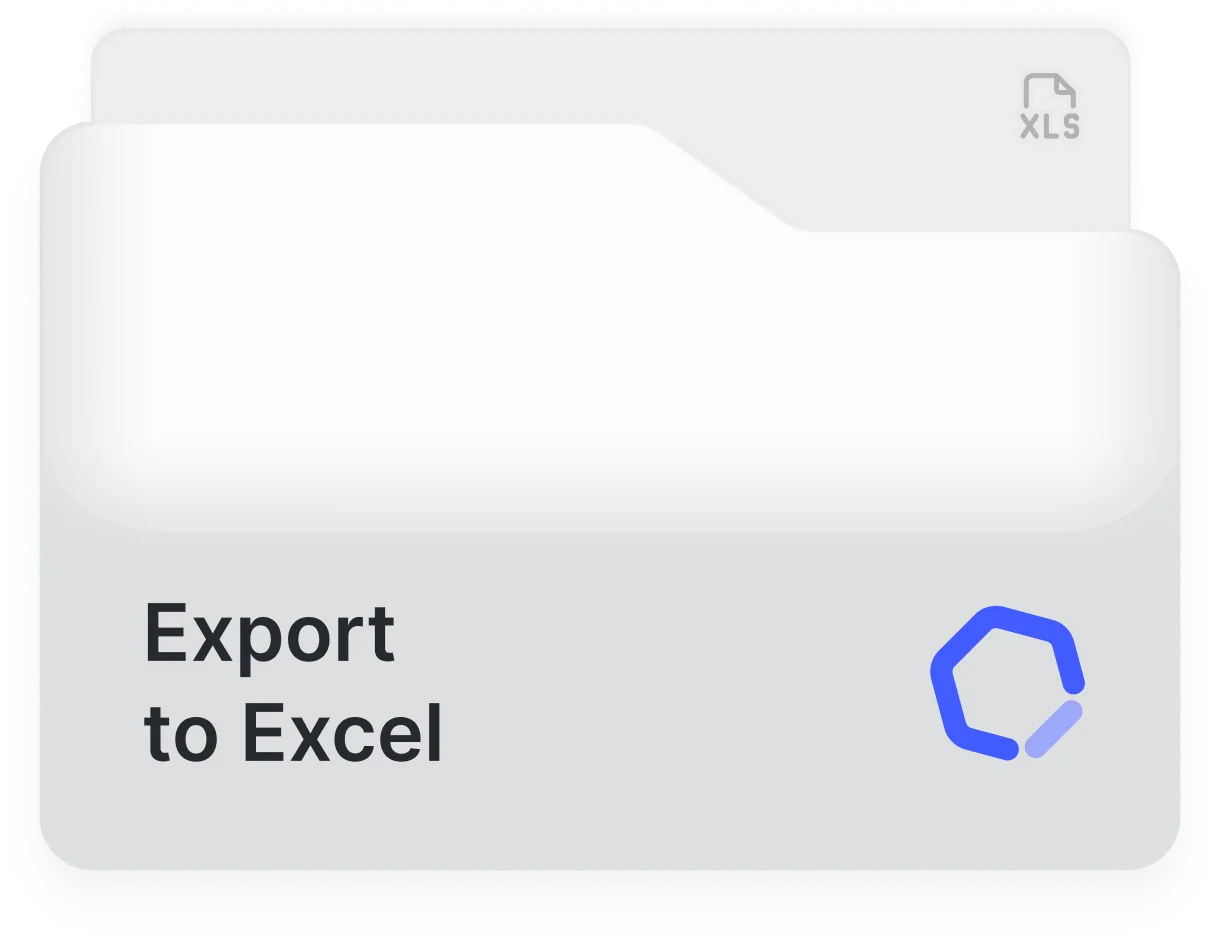
Download payroll incidents in Excel

Export all the payroll information for your employees, ready to send to your accountant or external payroll provider.

Discover itDiscover it
Export payroll incidents to Excel

All the incidents in one place

Salaries in Sesame HR

Salaries

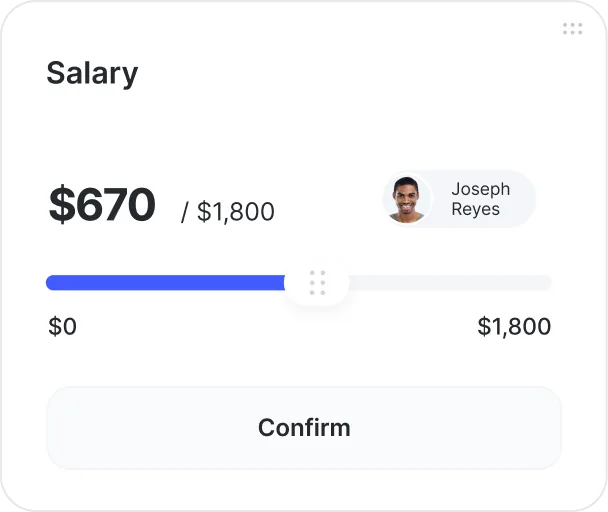
Manage your team’s salaries and assign them daily, weekly, or biweekly.

Salary supplements

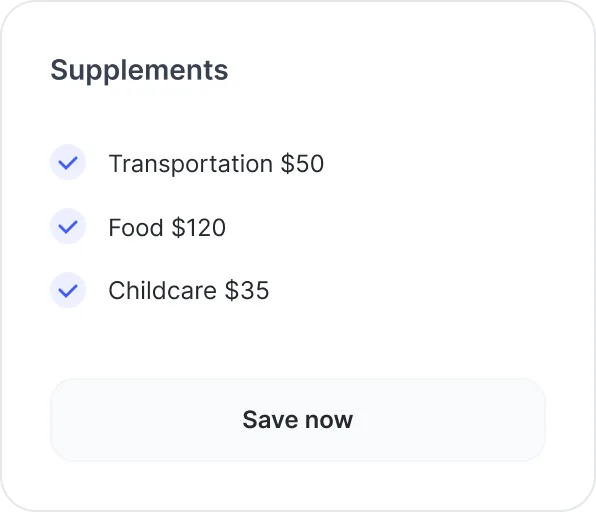
Salary supplements

Digitize everything that affects payroll, including workday data and automatic bonuses.

Contracts in the digital employee file

Contracts

Check the dates, clauses, and details of every contract.

Employee onboarding and offboarding history

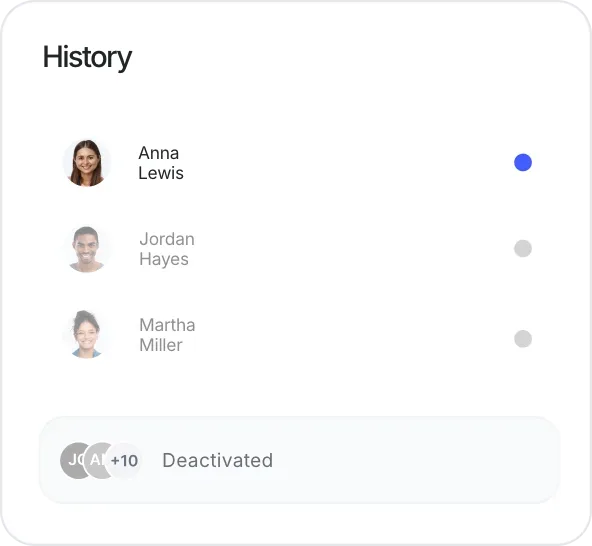
Hires and terminations history

View your team’s hires and terminations and keep the full history of every former employee.

Automatic payslip delivery

Send payslips
in one click

Upload a PDF with all the payslips and link each one to the right person. Sesame will securely distribute them to their folder in the Document Manager and send an email notification.
Try it for freeTry it for free
Secure payroll incident management

Manage payroll
incidents securely

  • Control access

    Set edit or view access by user or role.

  • Restrict information

    Choose who can see each payroll incident detail.

  • Protect your data

    Everything you generate in Sesame is encrypted and protected.

Request a demoRequest a demo

We adapt to your needs

Get started!
Try Sesame

Request a free demo with our experts and they'll help you choose the plan that best fits your needs. Plus, you can try it for free!

We answer your questions

Frequently asked questions

Here you’ll find the most frequently asked questions about managing payroll incidents with Sesame.

  • Through Alerts: an inbox where all data changes or situations that could affect payroll calculations (sick leave, an absence, a salary change, and more) are logged in chronological order, so the HR team can review them before closing payroll.

  • You can open a query from the query center: add a title, a description, and attach files, and a Sesame payroll specialist will help you resolve it.

  • If you detect it before the configured closing day, you can resolve it in time for it to be reflected in that same payroll. If you detect it afterward, it will be logged in Payroll Alerts so you can take it into account and apply it in the next pay period.

Take control of every
payroll incident.
Start with Sesame

Request a demoRequest a demo