



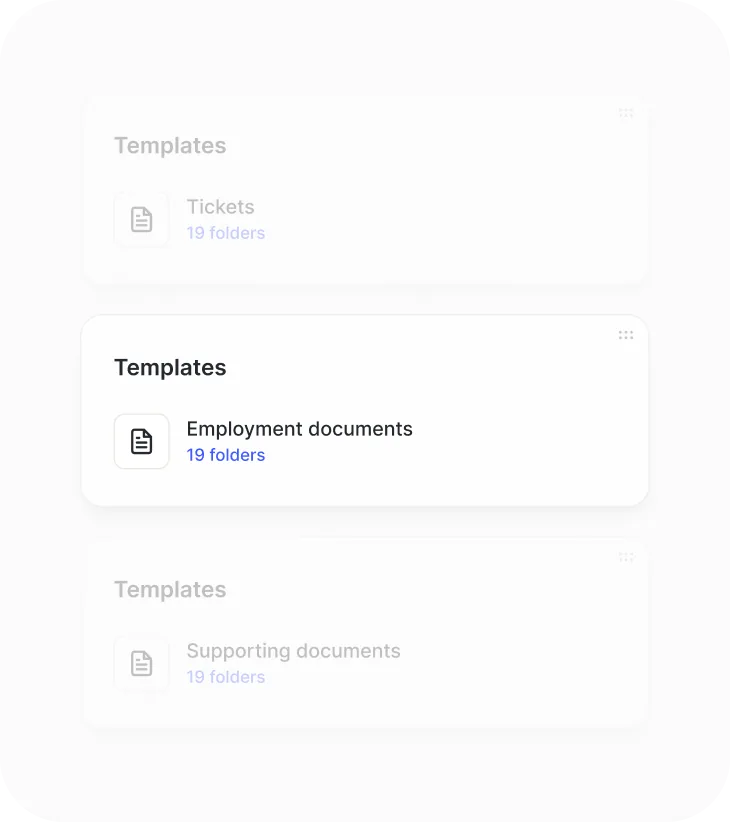
Templates with smart fields.
Company and employee data fill in automatically. Employees only complete their part. In 2026, 73% of companies are looking to eliminate manual data entry in documents.
The document management software that organizes your HR documents. Smart templates, expiration tracking, and operations at scale. Your document manager works for you, not the other way around
Company and employee data fill in automatically. Employees only complete their part. In 2026, 73% of companies are looking to eliminate manual data entry in documents.
Every document can have an expiration date. The system sends automatic notifications before it expires. Ideal for workplace safety certificates, medical exams, temporary contracts, and work permits.

Upload documents for your entire staff at once, assign payslips in bulk, and send signature requests to hundreds of employees with a single click. Storage alerts at 90% so you never run out of space. Processes in minutes what used to take days.

End-to-end encrypted documents with controlled access and a complete version record: who changed what, when, and from where. Automatic change history for audits.

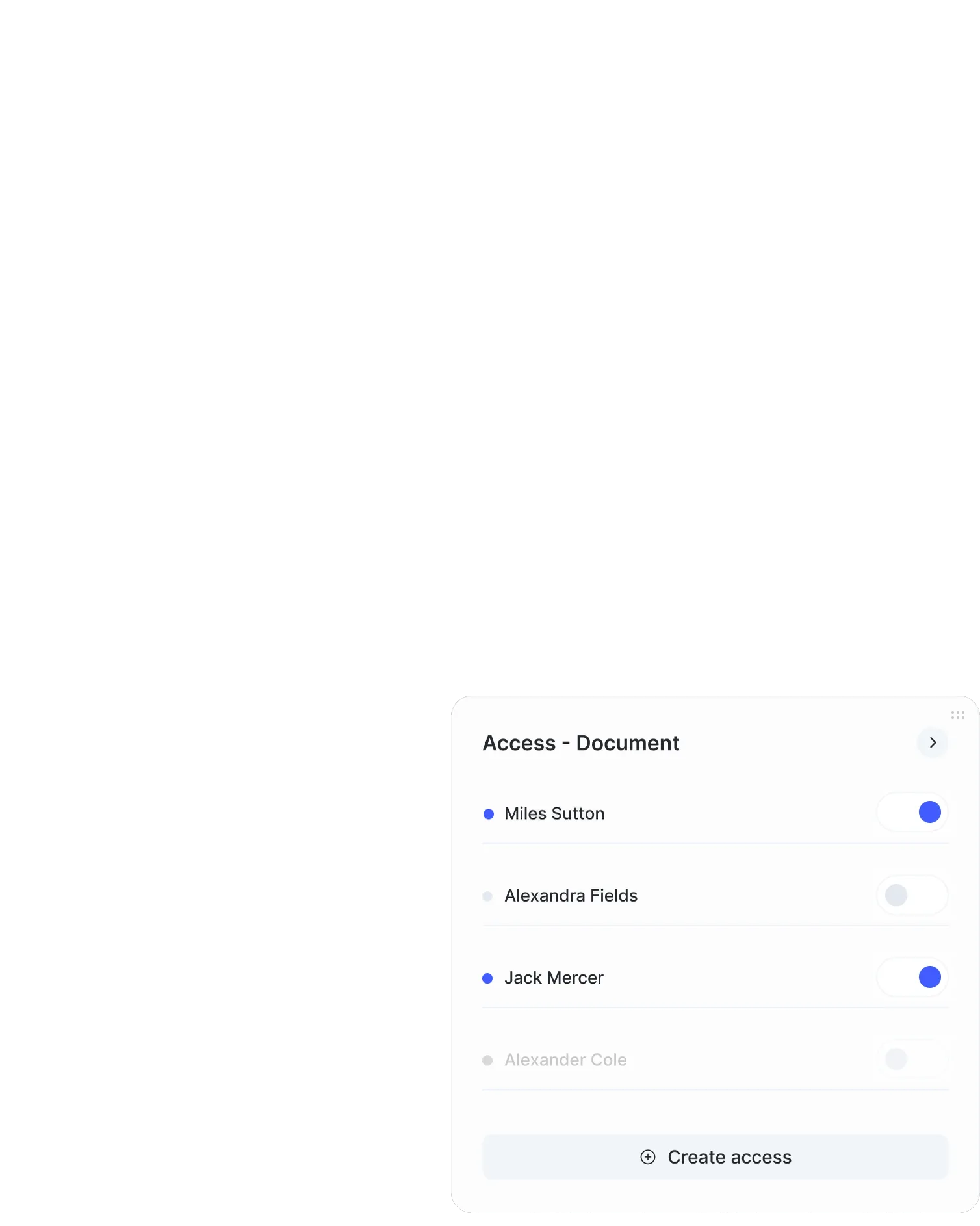
Granular access levels by section, employee, and specific actions. Each person sees and does only what applies to them.

The administrator decides who can view a document (without editing it) and who can edit it. Simple for employees, powerful for HR.

Assign access at the full folder level, by department, by individual employee, or by document type. Access cascades down but can be overridden at any level.

The admin panel shows who has access to what, with a complete change history and audit trail. Set it up once, and the system takes care of the rest.
The HR software with 20,000+ happy clients


We automate and speed up the collection of work documents. Supporting documents, employment contracts, payslips, and more. All these documents are stored in one place, accessible to everyone who needs them day to day.
Through the employee portal, your team can collect documents for you and speed up adding them to the Document manager.

Do you have important documentation that all your employees need to receive? Or even sign? Your Document manager lets you send a document in bulk to as many employees as you need.
And request their signature! Let your team know which file to sign and receive it back, updated, in your Document manager.
Different signature types, one platform. Choose the signature type each document needs right from Sesame: simple, digital, or advanced. Manage statuses, reminders, and automatic alerts without switching tools
Advanced signature with customizable branding, watermark, and audit report.

Biometric signature on touchscreens and digital certificates. Ideal when the signer doesn’t have their own certificate.

OTP verification via SMS, backed by an accredited digital certification authority.



Our document management software reduces the amount of paper you store at your company. Plus, you eliminate the extra costs of printing and storing physical documents.

Upload PDFs with form fields to Sesame HR’s Document manager. Once uploaded, you can fill in those PDFs with employee data that’s already in the platform and turn them into templates for each worker.

By automating your HR team’s document management, you save more than 50 hours a month to invest in strategic actions that improve your productivity and results.

Sesame HR brings together everything you need to manage your organization’s talent.
Are you ready to digitize all your HR processes?
We’re giving you the chance to experience how Sesame can optimize your processes.
Try it now!
We answer your questions
Here you’ll find the most frequently asked questions about Sesame HR’s document manager.
You can store employment contracts, payslips, doctor’s notes, certificates, invoices, expense receipts, and any other document related to HR management.
Documentation is organized into folders by employee and by document type, making it easy to classify and access. Sesame includes preconfigured directories (payslips, contracts, evaluations, regulatory compliance, and more) and automatically classifies each document.
Higher roles (Owner, General Administrator, and HR) have access to all folders. Each employee accesses their own folders to view the documents the company shares with them.
Yes, the Document manager lets you request an advanced digital signature for documents, speeding up processes and reducing paper use.
When a new file is uploaded to the employee portal, the system automatically notifies the employee in the app and by email.
Yes, Sesame offers a mobile app that lets you upload, download, and view files anytime, anywhere.
The platform uses encryption to protect document privacy and lets you assign access based on employees’ roles.
Yes, you can send documents in bulk to as many employees as you need and request their signatures, receiving the updated versions in your Document manager.
The document manager lets you store up to 3 GB of documents (Essential and Connect plans) or up to 10 GB (Growth and Scale plans). If you need more space, you can purchase additional storage on the platform.
Sesame allows granular access by section, employee, and specific actions (view and edit). Permissions are assigned by employee, department, or folder, and cascade downward with the option to override them.
Yes, Sesame integrates with several digital signature providers, depending on the country. You can use a simple signature for internal documents, a digital signature for contracts, and an advanced signature for documents that require maximum legal validity.
Yes. Sesame supports bulk document uploads: import entire folders, assign access in batches, and keep the directory structure you already had.